Sponsored Video
Upload a video to Walmart Sponsored Search and get the media ID you need for your Sponsored Video ad group. NativeAds checks the video against Walmart's specs, fixes silent audio, uploads it to Walmart and tracks it until it's available.
Sponsored Video ads appear in Walmart search results and link to a product page.
Before You Start
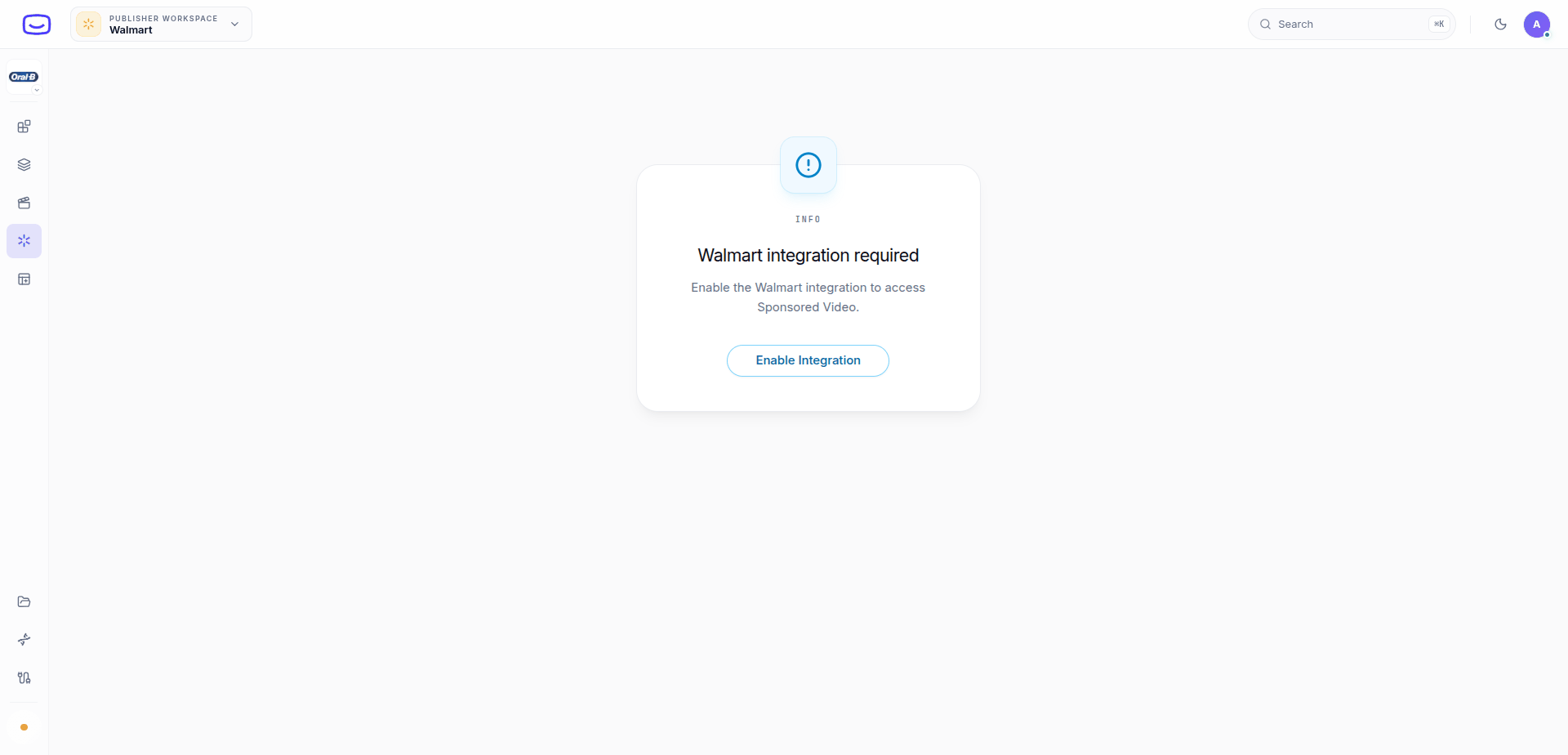
Sponsored Video needs its own Walmart Advertiser ID — the Onsite ads connection doesn't cover it.
- Add NativeAds as a tech partner for Sponsored Video in Walmart Connect.
- An admin opens Integrations, turns on Sponsored Video under Walmart Connect, and enters the Sponsored Video Advertiser ID.
- Switch to the Walmart workspace from the workspace switcher in the app header.
How to Use
Step 1 — Create the Sponsored Video
Open Creative Builder → Sponsored Video and click Get Started Now → Sponsored Video. Fill in:
- Label — becomes the media name in Walmart. Up to 45 characters: letters, numbers, spaces,
-and_only. - Video — upload one or choose from your Library. NativeAds checks it against Walmart's specs straight away.
Click Create Sponsored Video.
Step 2 — Wait for the upload
NativeAds validates the video and uploads it to Walmart. This usually takes about 2 minutes. The status moves through Pending → Uploading → Processing → Available.
If the video has no audio or very quiet audio, NativeAds adds a near-silent track so it meets Walmart's audio requirement.
Step 3 — Copy the media ID
When the status is Available, click Copy media ID and use it in your Sponsored Video ad group in Walmart Connect.
If Something Fails
Click the Failed status to see why.
- Spec failures — the video doesn't meet the specs below. Upload a corrected video as a new Sponsored Video.
- Walmart-side failures — Walmart's reason is shown. Click Retry to upload again.
You can delete a Sponsored Video at any time except while it's uploading or processing.
Video Specs
| Spec | Requirement |
|---|---|
| Aspect ratio | 16:9 |
| Format | MP4 or MOV |
| Duration | 5–30 seconds |
| Resolution | 1280 × 720 to 3840 × 2160 |
| File size | Up to 500 MB |
| Framing | No letterboxing or black frames |
Best Practices
- Show the product in the first 3 seconds — it's what shoppers searched for.
- Design for muted playback.
- Use a clear label so you can find the media in Walmart Connect.