Onsite Video
Check an existing video against Walmart's Onsite Video specs, package it into Walmart's video ad units with your logo and AI-written copy, and submit it for approval. Your video itself isn't regenerated.
Before You Start
Onsite Video uses the same connection as Onsite Display: an admin turns on Onsite ads — images & video under Walmart Connect in Integrations, and you switch to the Walmart workspace.
How to Use
Step 1 — Create the video creative
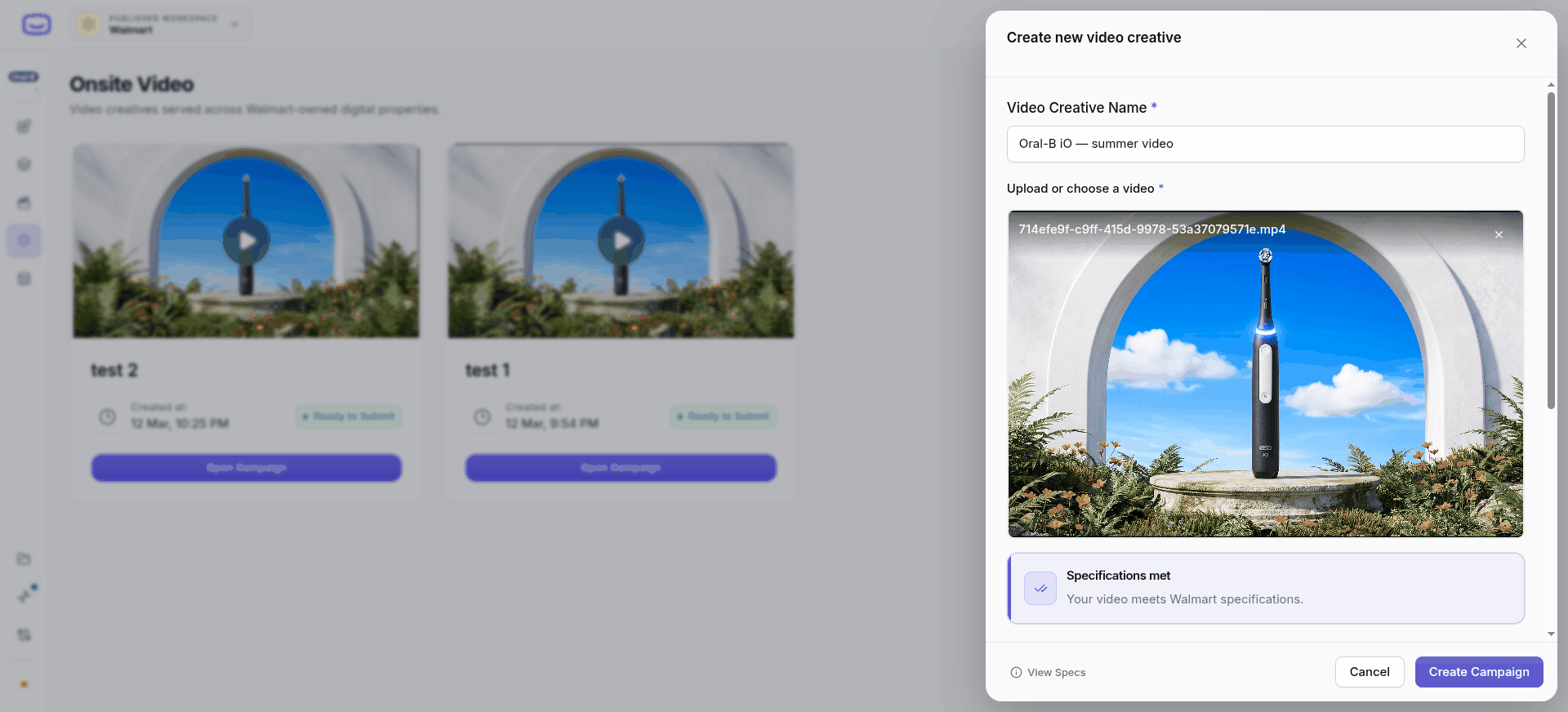
Open Creative Builder → Onsite Video and click Get Started Now → Onsite Video. Fill in:
- Video Creative Name — 3 to 50 characters.
- Video — upload one or choose from your Library (uploaded or generated videos). NativeAds checks it against Walmart's specs straight away and lists anything that doesn't meet them, with the expected and actual values.
- Logo — a PNG of at least 150 × 150 px.
- Text Overlays (optional) — headline, subhead, button CTA and logo alt text. If you leave them, AI writes the copy for you.
When the check passes, you'll see Specifications met. Click View Specs to see Walmart's requirements, then Create Campaign.
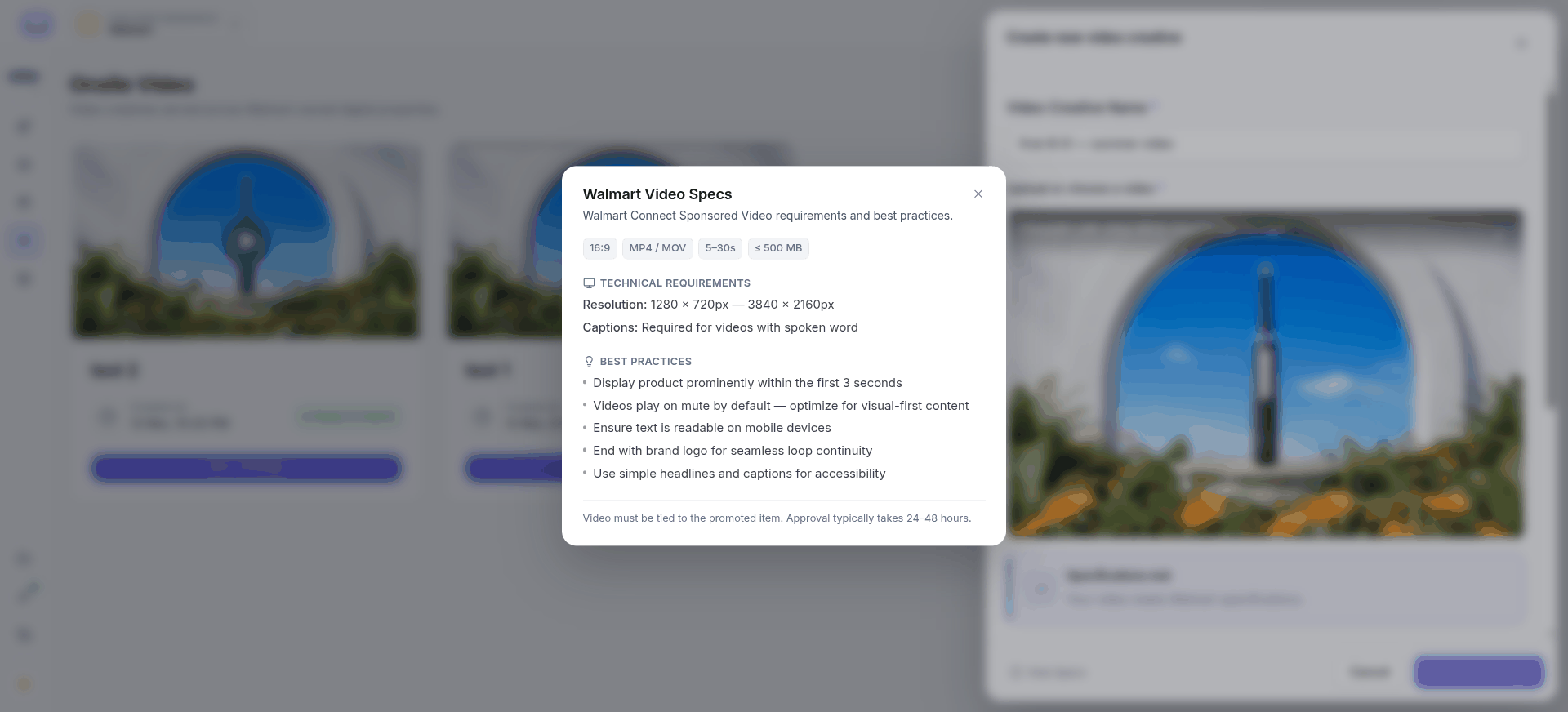
Step 2 — Review the video units
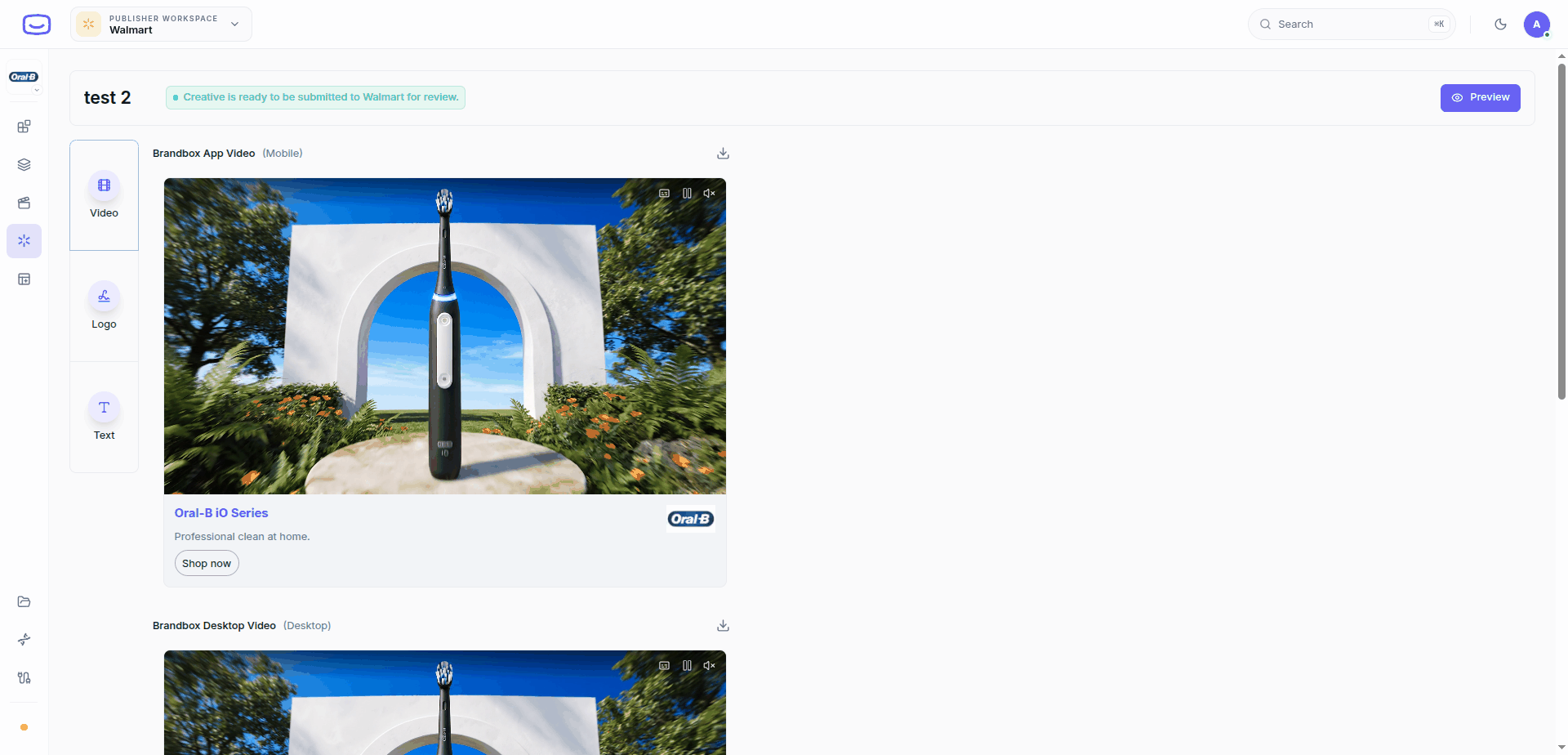
Your video is packaged into three units:
| Unit | Platform | Logo and text |
|---|---|---|
| Check-in Video | Mobile | — |
| Brandbox Desktop Video | Desktop | Logo and text |
| Brandbox App Video | Mobile | Logo and text |
Each unit has a Download video button.
If your video has no audio track or very quiet audio, NativeAds adds a near-silent track so it meets Walmart's audio requirement. The video plays the same.
Step 3 — Edit
Use the tool panel to edit all units at once:
- Video — replace the source video.
- Logo — change the logo and its alt text.
- Text — edit the headline, subhead and CTA.
Click Edit on a unit to change only its text. Click Save changes to apply your edits.
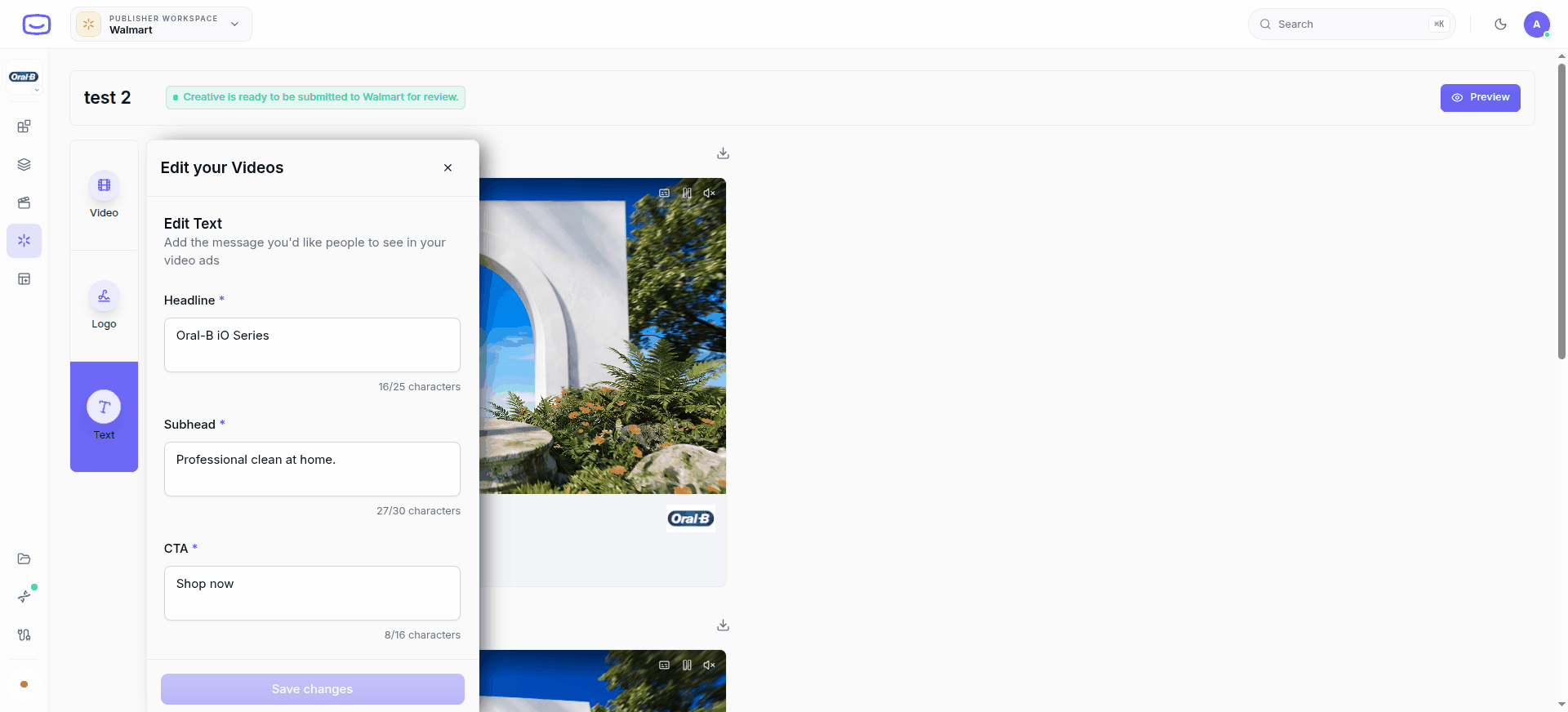
Step 4 — Preview and submit
Click Preview to check the readiness list — video units, text, source video and logo — then Submit to Walmart. Upload and submission usually takes 7–13 minutes. Walmart's approval typically takes 24–48 hours. Statuses work the same way as Onsite Display.
Video Specs
| Spec | Requirement |
|---|---|
| Aspect ratio | 16:9 |
| Format | MP4 or MOV |
| Duration | 5–45 seconds |
| Resolution | 1280 × 720 to 3840 × 2160 |
| File size | Up to 500 MB |
| Framing | No letterboxing, pillarboxing or black frames |
| Captions | Required for videos with spoken word |
Copy Rules
| Field | Rules |
|---|---|
| Headline | Up to 25 characters, starts with a capital letter. |
| Subhead | Up to 30 characters, starts with a capital letter, ends with . ! ? or *. |
| CTA | Up to 12 characters, sentence case. |
| Logo alt text | Up to 150 characters, letters and spaces only. |
Best Practices
- Show your product in the first 3 seconds.
- Design for muted playback — videos play on mute by default.
- Keep text readable on mobile and headlines simple.
- End on your logo for a seamless loop.
- Tie the video to the promoted item.